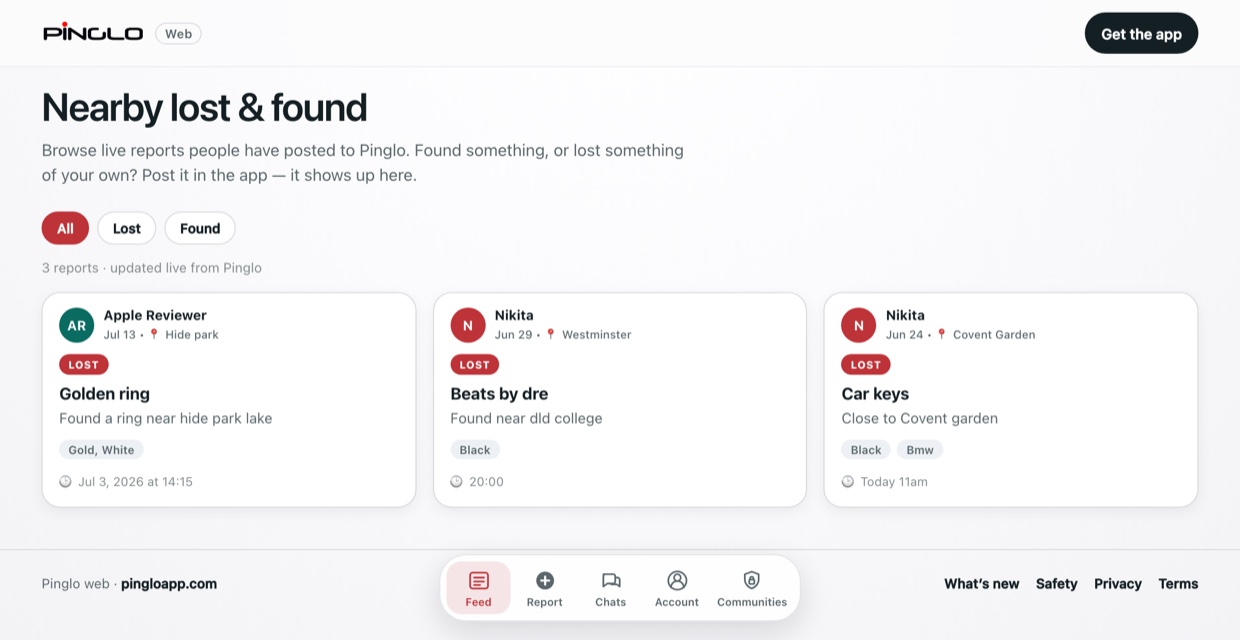
Post it
Say what you lost and roughly where. Found something? Quick Found posts it in three taps.

Post it on Pinglo and get a ping when someone finds it. Free on iPhone and in your browser.
Built and operated by Ask For Task.
0+ lost & found reports on Pinglo
Say what you lost and roughly where. Found something? Quick Found posts it in three taps.
Pinglo looks for possible matches and tells you. Share your post as a link so more people can look.
Answer a detail only the owner would know, chat privately, and meet somewhere public.
A finder’s photo never shows in the feed. Only the owner sees it, after proving the item is theirs.
Arrange the handover in a private chat, so you don’t need to share your number or email.
Collect at a library desk, a security office or another busy place.
On Android or a laptop? Use Pinglo in any browser, with the same account as the iPhone app.
Pinglo gives your university a private feed for lost and found, with hand-in points and claim checks built in. Free while we pilot with our first campuses.
Yes. Pinglo is free on iPhone and in any browser at pingloapp.com/app. Universities can also run a free four-week pilot of a private campus feed.
Whoever claims an item answers a detail only the owner would know, and a finder’s photo stays hidden until they do. You chat privately, then meet somewhere public, like a library desk or the security office. More in our safety guidance.
Only while you’re using the app, to show reports near you. Other people never see your location, and a report shows only its general area, about a kilometre across. If you’d rather not share it, the feed shows reports from everywhere. More in our privacy policy.
Not yet. Pinglo works in any browser on Android at pingloapp.com/app, with the same account as the iPhone app.
Yes. Start a free four-week pilot on the Universities page. Your community goes live as soon as you submit the form, with a PIN and print-ready QR posters.
A short note when something new ships or Pinglo reaches a new campus. No spam.